LinkGuard
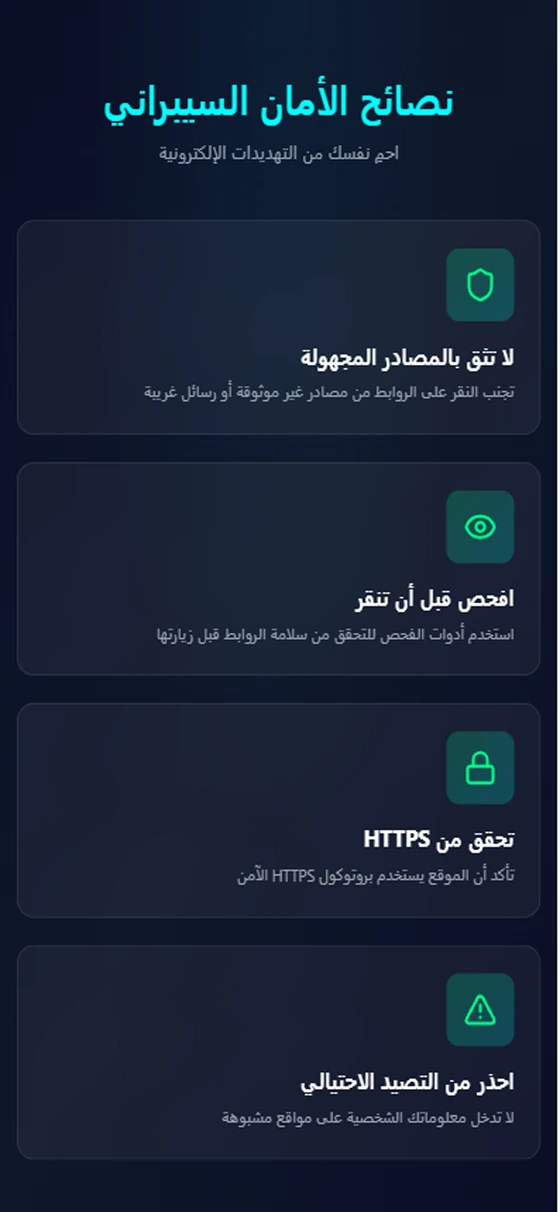
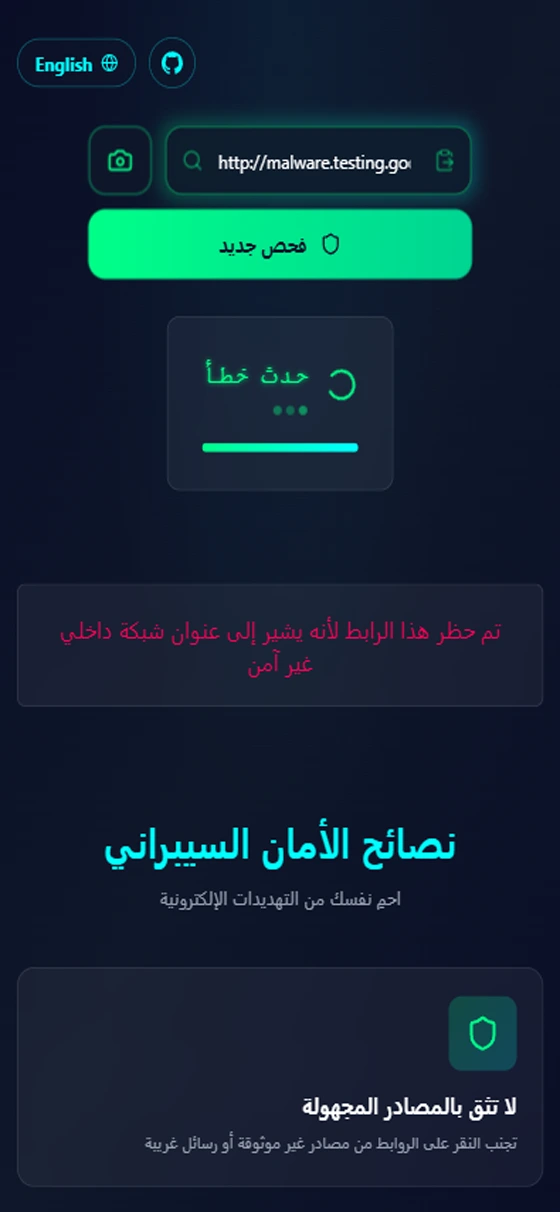
On mobile
What is LinkGuard?
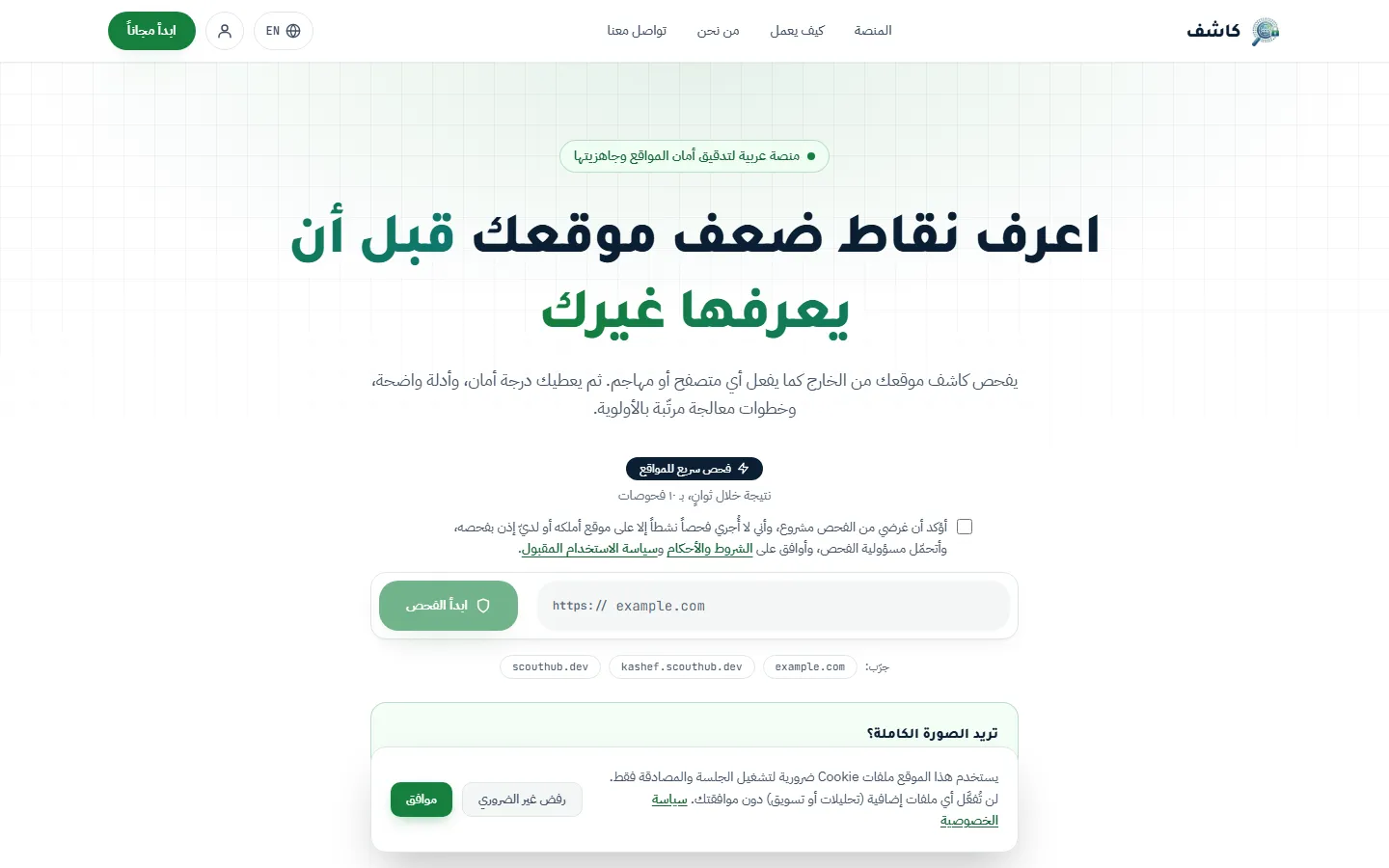
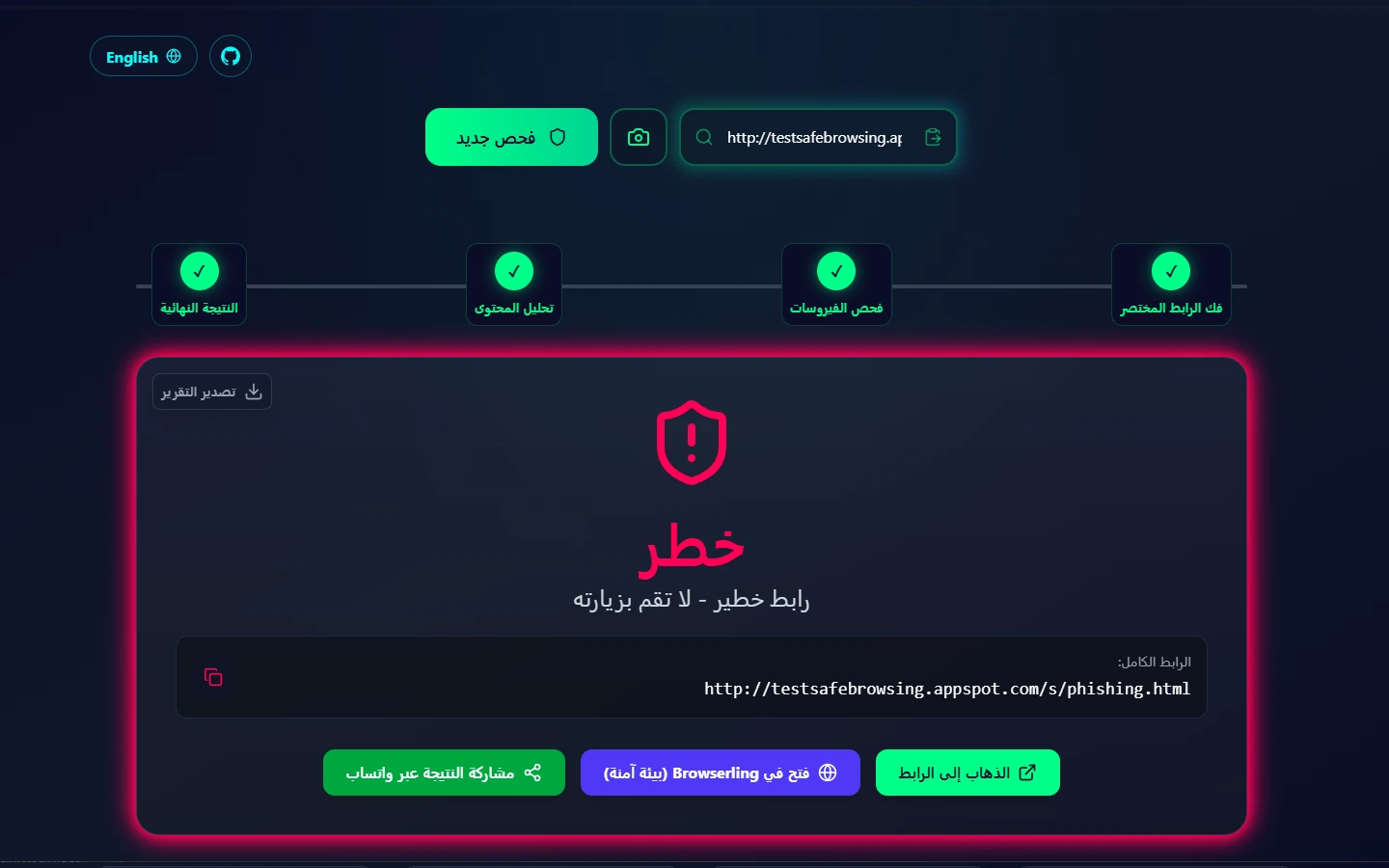
LinkGuard is an open-source tool from ScoutHub Lab for checking suspicious links before you open them, for anyone who receives a link they are not sure about. It follows the redirect chain, asks five global threat-intelligence sources at the same time, and returns a 0 to 100 risk score with a plain explanation of why.
Key features
- Redirect-chain tracing up to 8 hops
- Parallel checks across several independent security sources
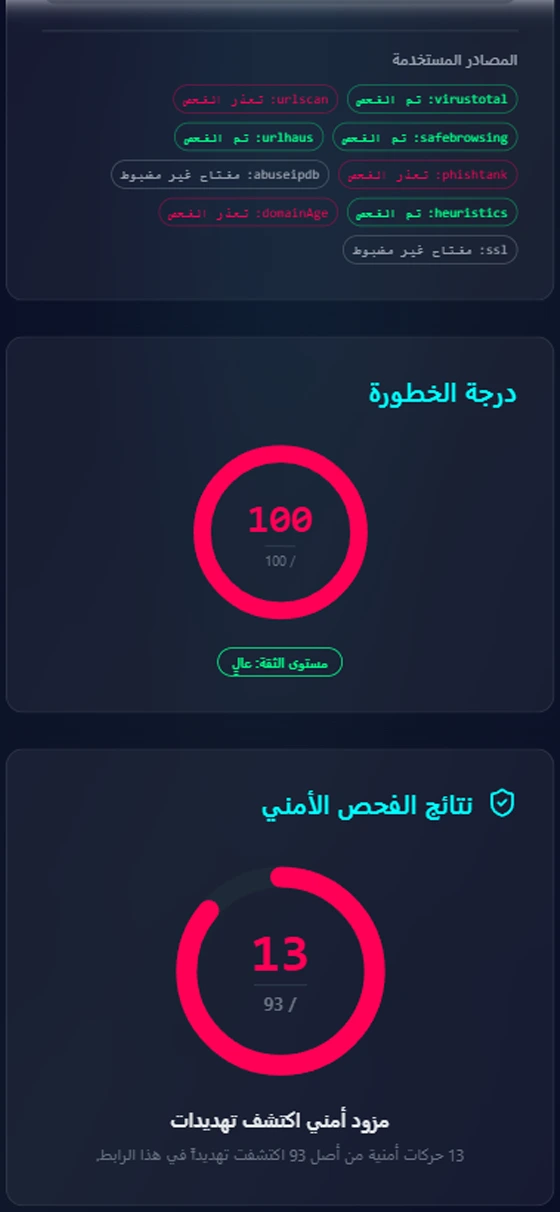
- 0–100 risk score with an explanation for every piece of evidence
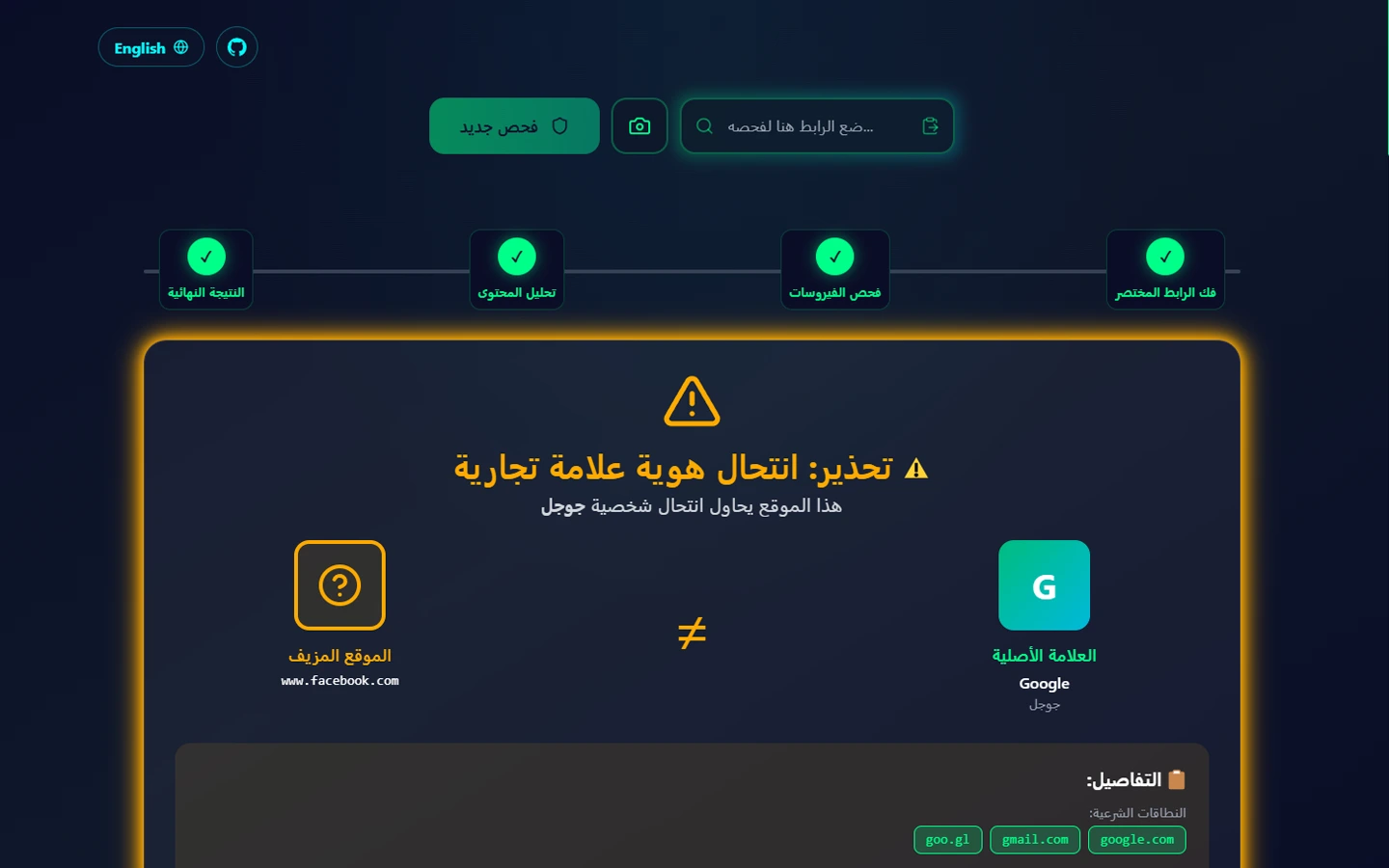
- Brand impersonation and lookalike-character detection
- Domain age and security certificate inspection
- Safe site preview by screenshot, without visiting it
- QR code scanner using the camera
- Scan history stored only on your device
- Live status page for every scanning service
- Arabic and English interface with full right-to-left support
- Installable app and an Android app that accepts links shared from WhatsApp and Telegram
- No accounts, no ads, no tracking
Tech stack
- Next.js
- React
- TypeScript
- Tailwind CSS
- Framer Motion
- Capacitor
- Android
- Java
- Gradle
- html5-qrcode
- tldts
- Lucide
- Vitest
- Testing Library
- ESLint
- GitHub Actions
- CodeQL
- Vercel
- PWA
- Service Worker
- VirusTotal
- Google Safe Browsing
- urlscan.io
- URLhaus
- PhishTank
- AbuseIPDB
- RDAP
Frequently asked questions
What is LinkGuard?
LinkGuard is a ScoutHub Lab tool for checking suspicious links before you click them. You paste a link, and LinkGuard follows the redirects behind it, asks five global threat-intelligence sources, and gives you a 0 to 100 risk score with the reasons. Its motto is “know before you click,” and its website works in Arabic and English.
How does LinkGuard check a link?
LinkGuard follows a link's redirects for up to 8 hops, with protection against SSRF attacks. At the same time it asks VirusTotal, Google Safe Browsing, URLhaus, PhishTank and AbuseIPDB. It then runs its own checks for lookalike domains and similar-looking characters, domain age and the SSL certificate, with no outside API keys. The score appears with a “Why this verdict?” panel.
Can I rely on LinkGuard alone?
No. No tool guarantees full accuracy, and the LinkGuard website itself says results may not be fully accurate and that scanning a link does not mean endorsing it. Use LinkGuard as an extra layer of protection, together with careful habits: look at the real domain, be wary of urgency, and never enter your details from a link sent in a message.
What happens if one of LinkGuard's sources fails?
If one of the five sources fails during a scan, LinkGuard keeps going, but confidence in the result drops. In other words, LinkGuard gives you the best answer it has and tells you honestly that it did not see everything this time.
Is LinkGuard open source?
Yes. LinkGuard is open source under the MIT licence, and the code is on GitHub. We opened the code because a tool that judges people's links should let people see how it judges. LinkGuard is one of ScoutHub Lab's initiatives.
Does LinkGuard work on phones and scan QR codes?
Yes. LinkGuard works on phones as an installable web app (PWA), and an Android app is coming soon. It includes a QR code scanner, so you can check a code before opening what is behind it, and a scan history that is stored on your own device.