DropFlow
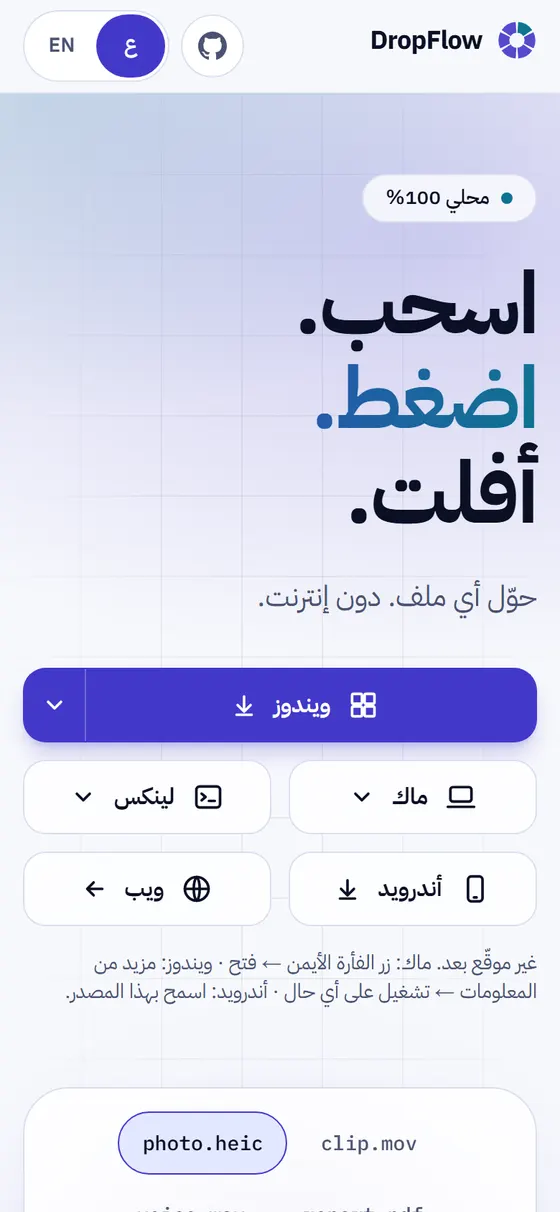
On mobile
What is DropFlow?
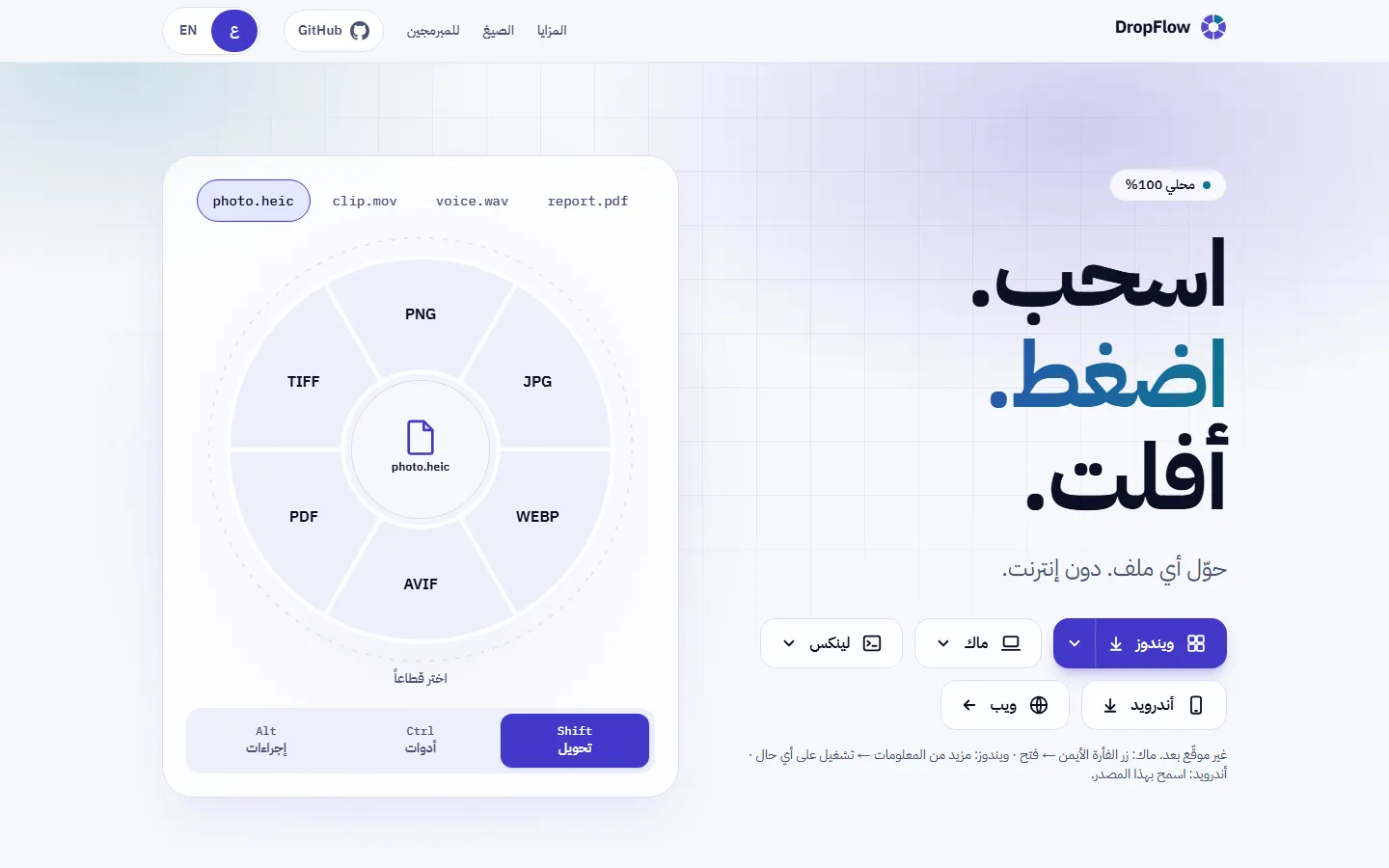
DropFlow is a free, open-source app from ScoutHub Lab that converts and processes your files right on your device, with nothing uploaded and no internet needed. Drag a file and a wheel of options appears: convert it, compress it, crop it, merge it, turn speech into text, or translate it between Arabic and English. It runs on Windows, macOS, Linux and Android, and has a version that works inside the browser.
Key features
- Quick radial wheel that appears when you drag any file
- Hundreds of conversions across images, video, audio and documents
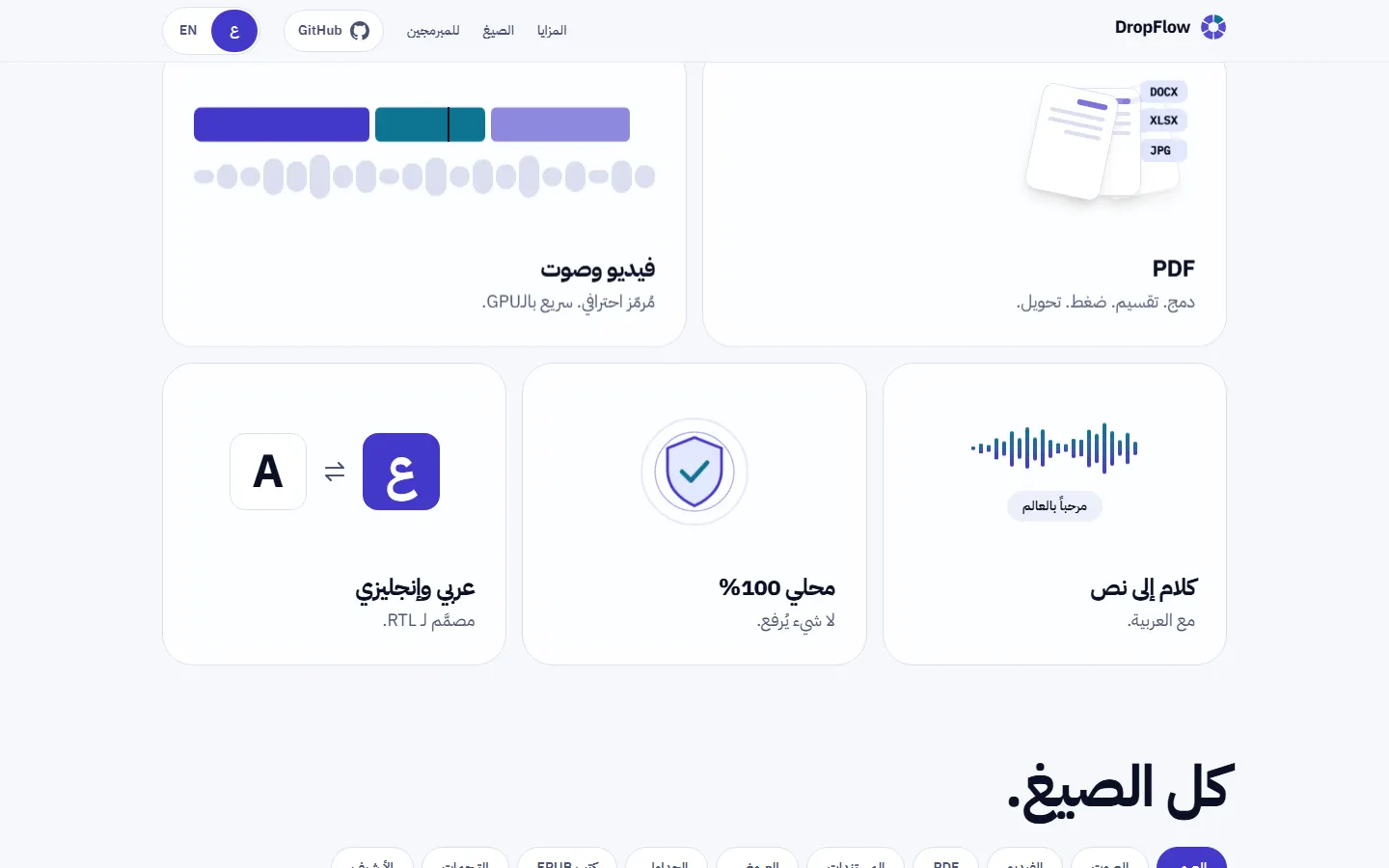
- Complete PDF toolkit: merge, split, compress, protect and sign
- Photo editor: crop, adjust, blur and add backgrounds
- Video and audio trimming and compression with a visual timeline
- Speech-to-text that works offline
- Arabic ↔ English translation for text, subtitles, images and PDFs
- On-device AI background removal for photos
- Text recognition (OCR) in Arabic and English
- File sharing with your phone over the local network
- Browser version that never uploads your files
- Full Arabic and English interface with right-to-left support
Tech stack
- C#
- .NET 10
- WPF
- Avalonia
- Kotlin
- Jetpack Compose
- Next.js
- React
- TypeScript
- Tailwind CSS
- next-intl
- FFmpeg
- Magick.NET
- PDFium
- PDFsharp
- qpdf
- Tesseract
- ONNX Runtime
- Whisper.net
- Opus-MT
- WebView2
- Velopack
- Media3
- WebAssembly
- pdf-lib
- pdf.js
- Vitest
- Playwright
- xUnit
- Gradle
- GitHub Actions
- Vercel
Frequently asked questions
What is DropFlow?
DropFlow is a free, open-source app for converting and processing files on your own device. You drag any file and a quick wheel of options appears, including format conversion, compression, cropping, merging, speech-to-text and Arabic–English translation. It is one of ScoutHub Lab's tools.
Are my files uploaded to the internet when I use DropFlow?
No. DropFlow processes files directly on your device, uploads them to no website, and needs no internet connection. Even speech-to-text and AI background removal for photos run on your device, and the browser version does not upload files either.
Which systems does DropFlow run on, and what can it convert?
DropFlow runs on Windows, macOS, Linux and Android, has a version that works inside the browser, and speaks Arabic and English. It converts hundreds of formats across images, video, audio and documents, includes a complete PDF toolkit (merge, split, compress, protect and sign), and recognises text in images (OCR) in Arabic and English.